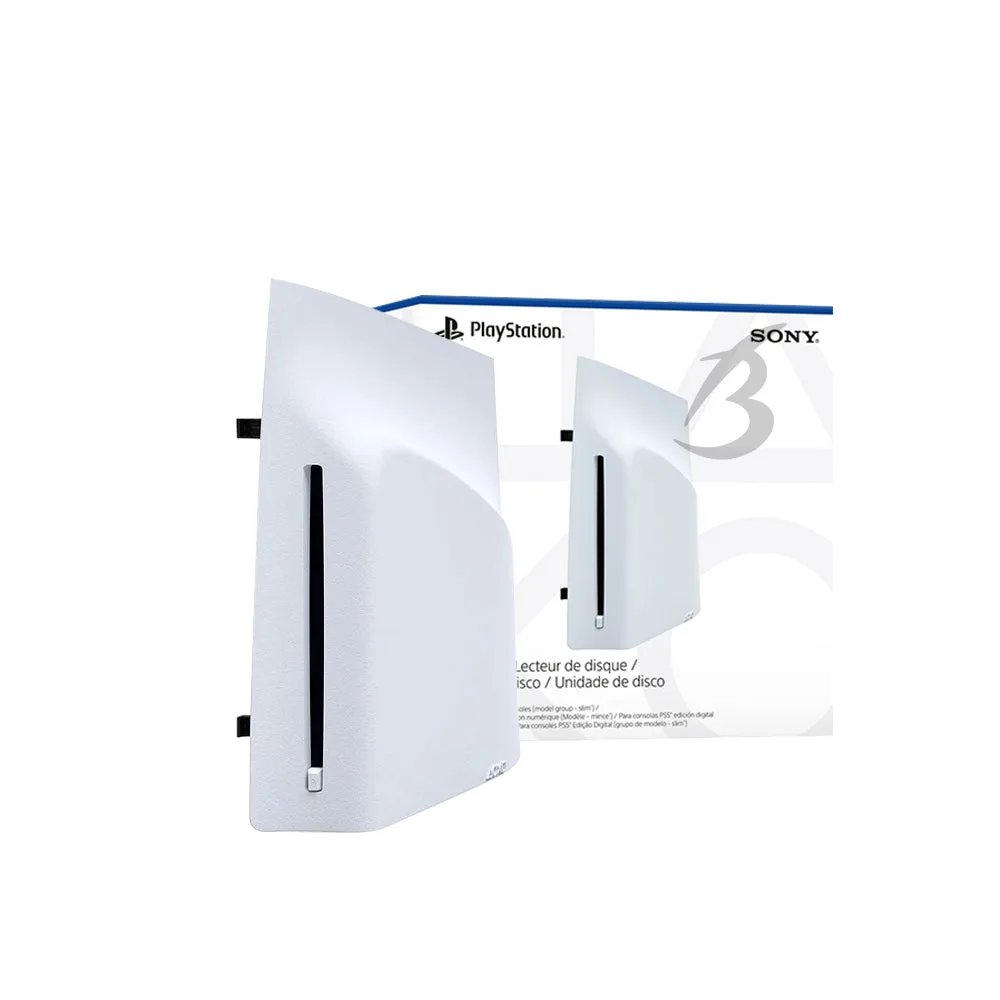
Sony Disc Drive for PS5 Digital Edition Consoles
Contact for price
This seller quotes on enquiry. Ask them for a price.
New
Saddar, KarachiListed 1w ago
Description
Step 1 Go to the control centre and select Power > Turn Off PS5. The screen goes blank, the power indicator flashes white, and then turns off. Step 2 Remove the AC power cord and cables, and then wait for the PS5 console to cool down. The main unit of your console is hot immediately after use. Step 3 Place the console with the bottom facing up and the front side facing you, and then remove the horizontal stand feet (short). Step 4 Slightly lift the circle cover away from the console to detach its clips and remove it. Step 5 Align the disc drive’s clips with the 2 holes (marked with an upside-down triangle), then firmly push in until you hear a “click”. Step 6 Attach the circle cover and horizontal stand feet (long) included with your disc drive. Align the cover’s clips with the corresponding holes on the console and push in until you hear a “click”. Step 7 Connect the AC power cord and cables, and then turn on the power. • Keep the feet and cover you removed in steps 3 and 4 somewhere safe. They are needed to use the PS5 console without the disc drive attached. • Internet connection required to pair disc drive and PS5 console upon set up.
- 81 on Google
- 5.0
- 81 on Google
- joined Harib
- Nov 2026
- joined Harib
PS5, Switch 2, Steam Deck, Xbox and pro controllers at Star City Mall
Meet somewhere public, check the item before you pay, and keep the conversation in Harib chat. More safety tipsHide tips
- Meet in a public, well-lit place for exchanges
- Inspect the item thoroughly before paying
- Use Harib chat to keep all communication on record
- Never share bank passwords or OTPs with anyone
- Report suspicious listings or behavior immediately
More from Bindass Buy
View all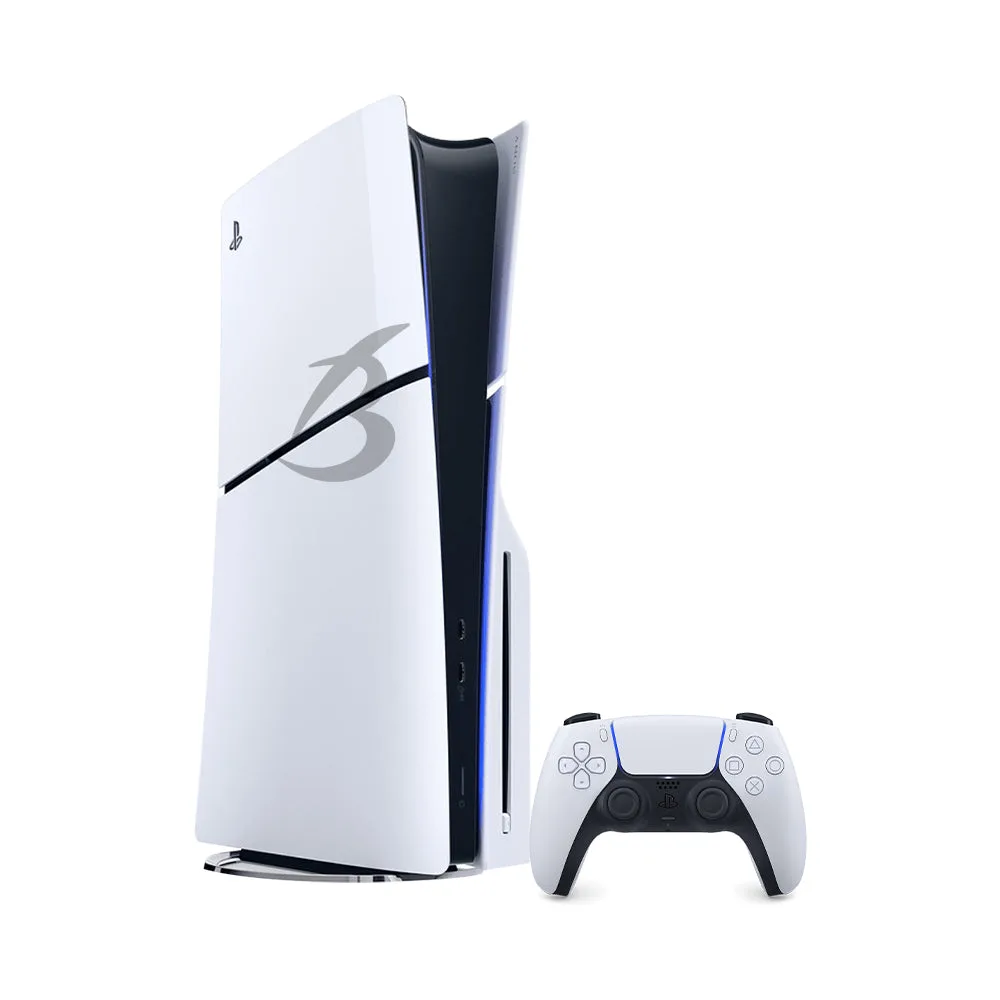



Similar in Gaming Accessories
Browse all New
PKR78,500
Was PKR 85,000Save PKR 6,500
Logitech G29 Driving Force Racing Wheel for PlayStation
Karkhano Market, Peshawar

PKR11,000
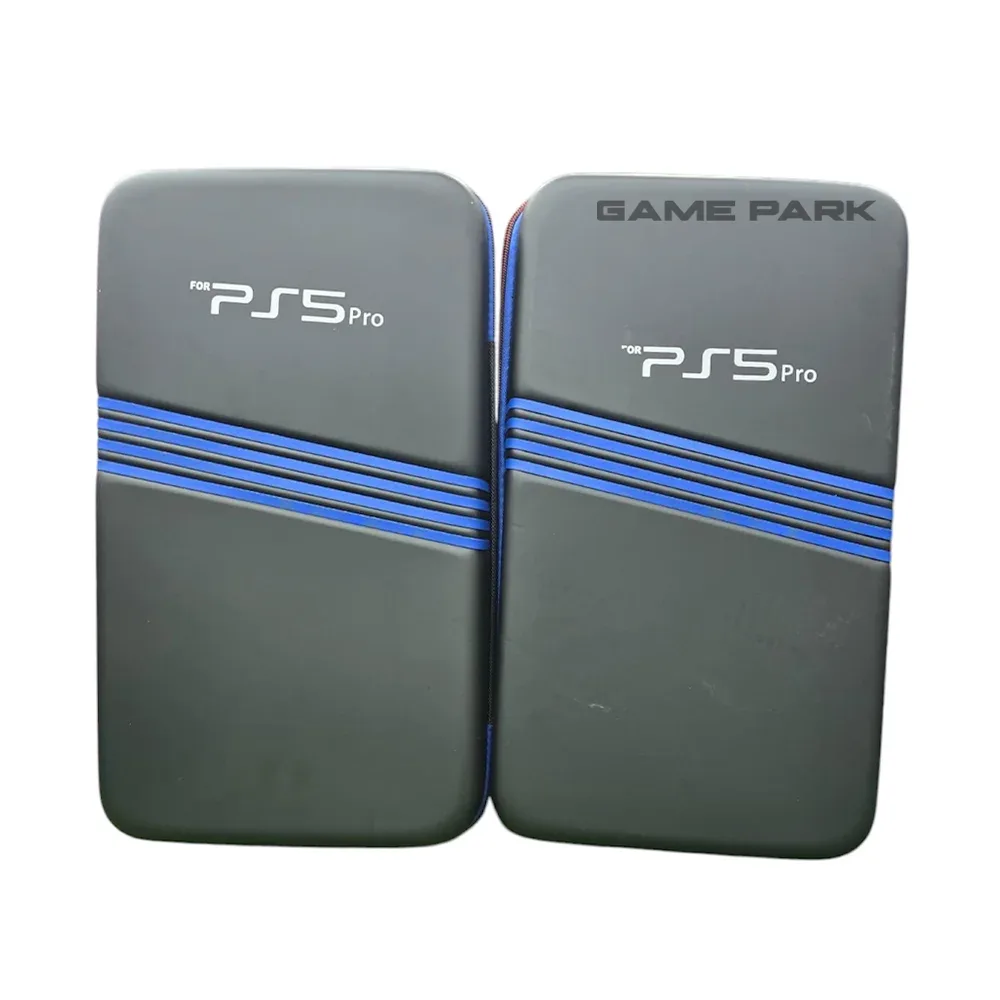
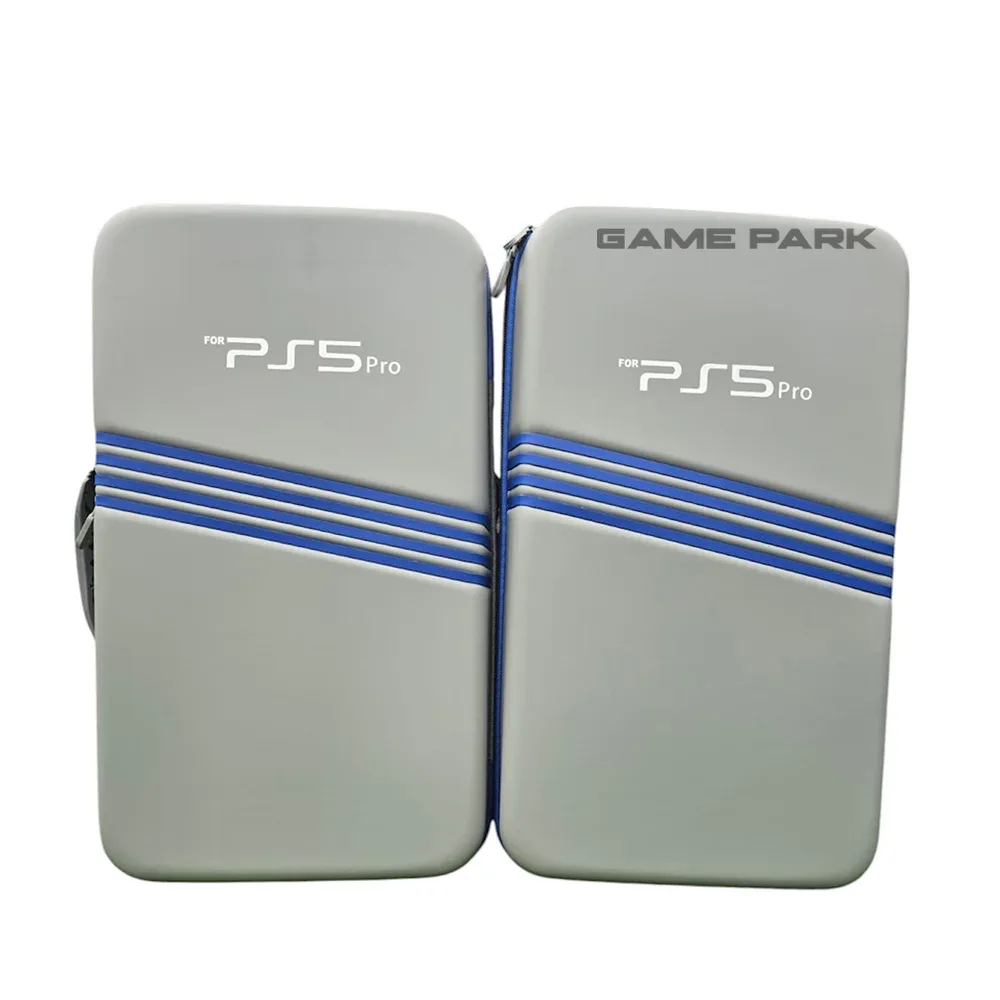
PS5 PRO Travel Bag Hard Shell
Wapda Town Phase 1, Lahore

PKR7,990
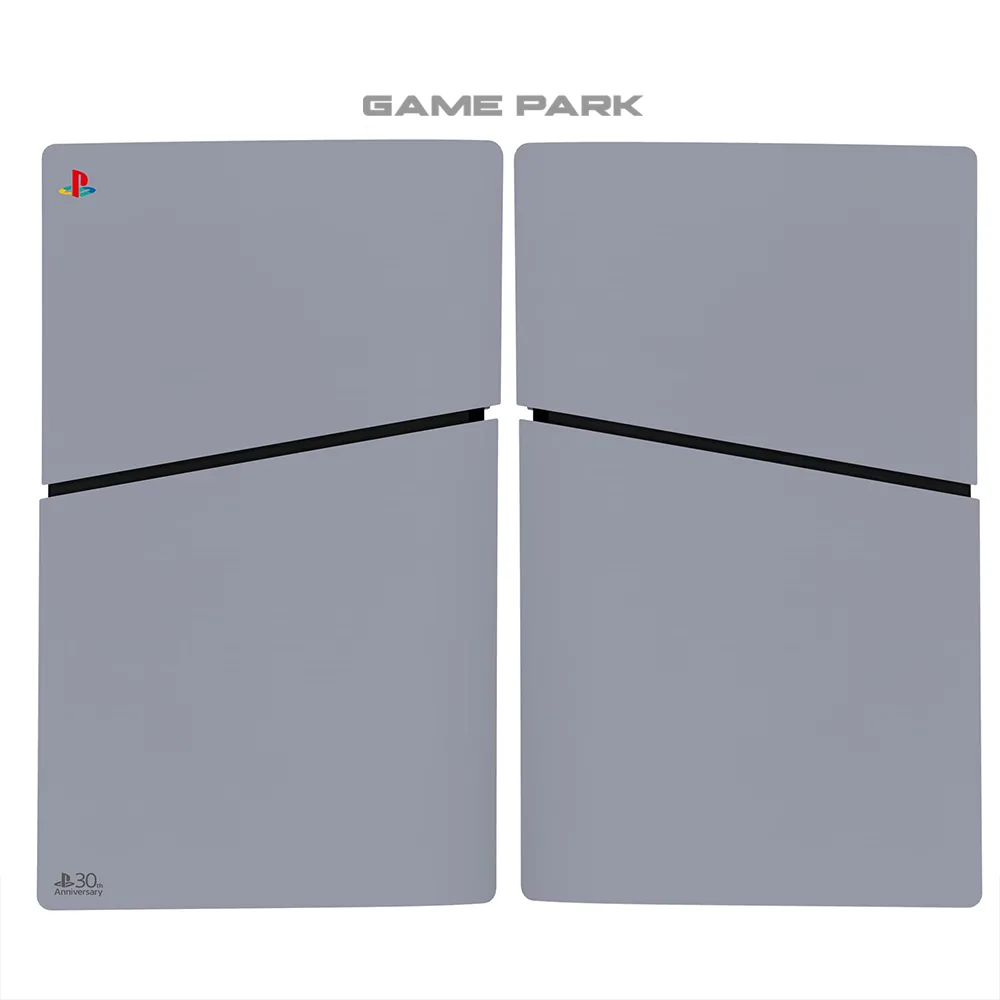
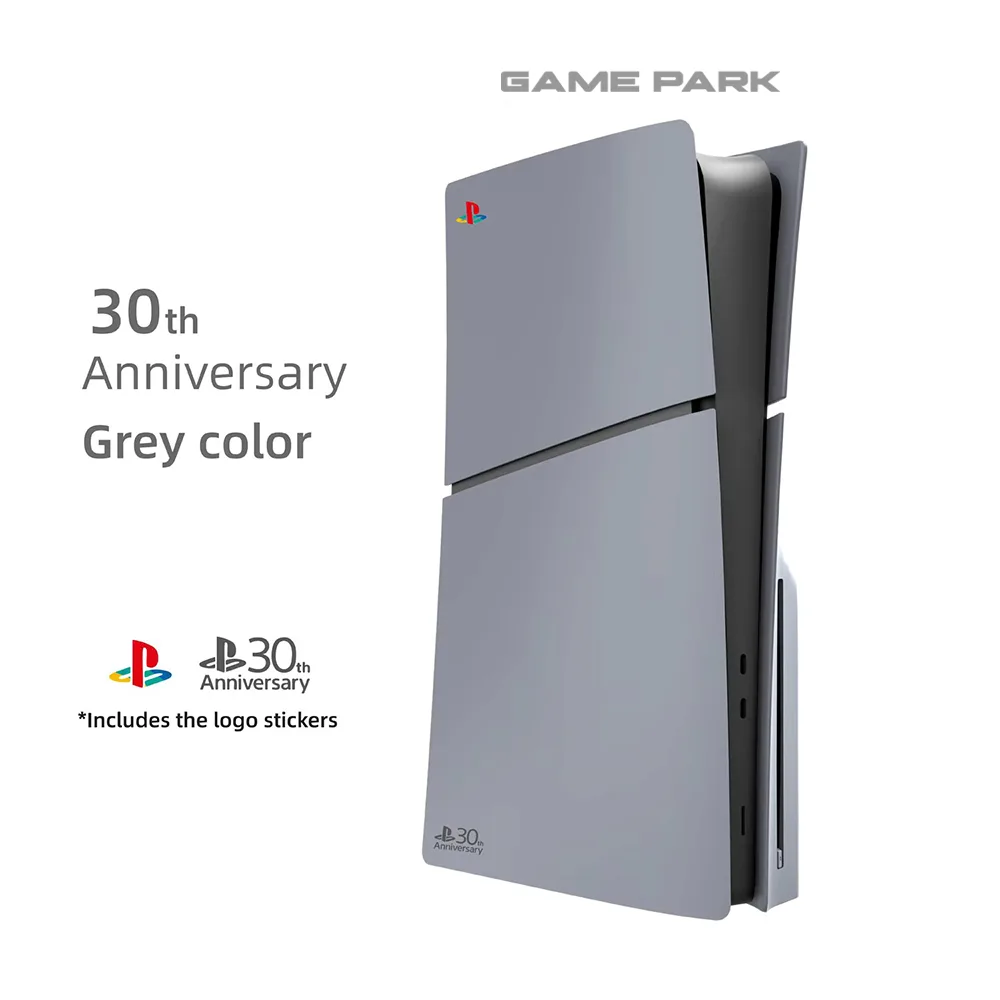
PS5 Slim 30th Anniversary Edition Faceplate Disc Edition
Wapda Town Phase 1, Lahore
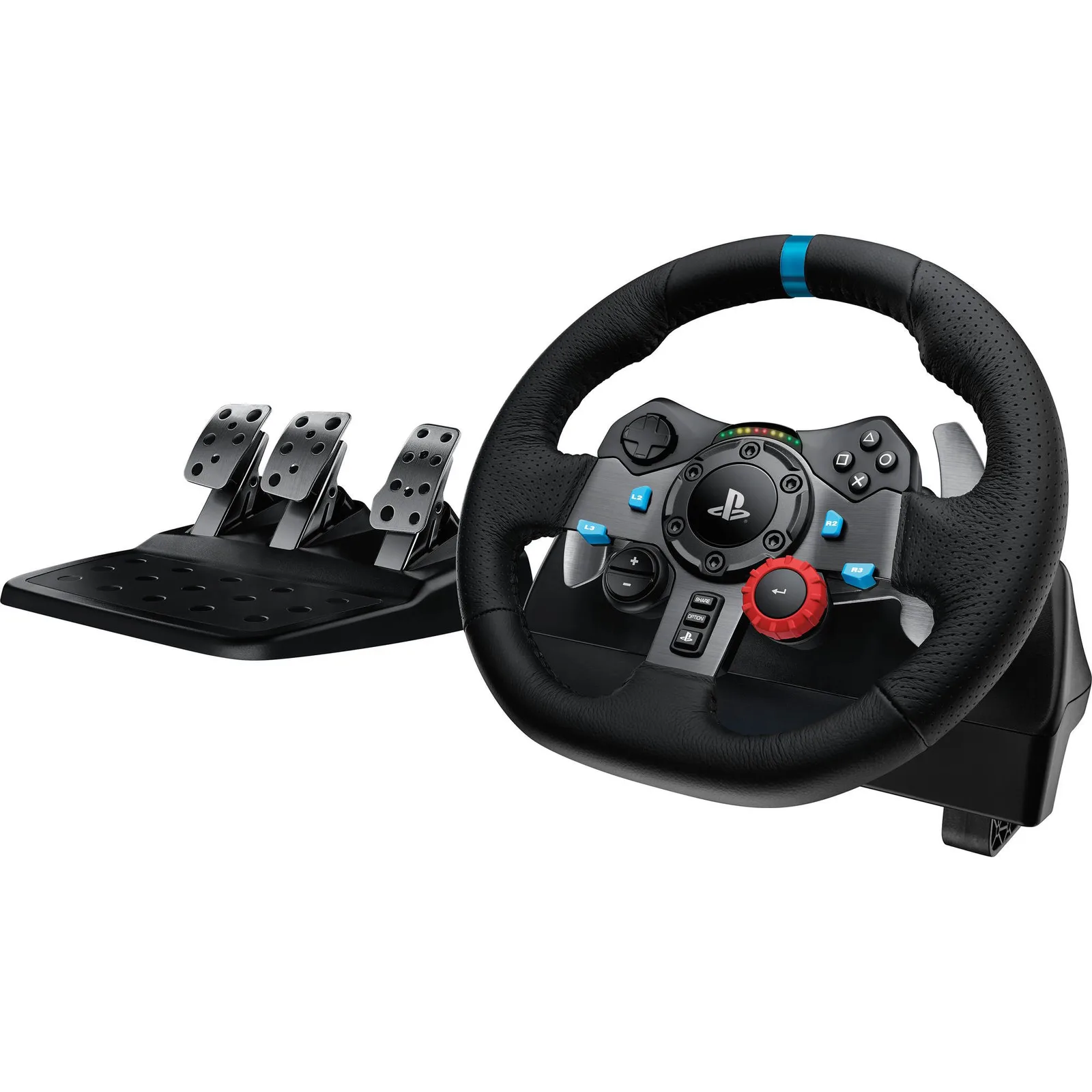
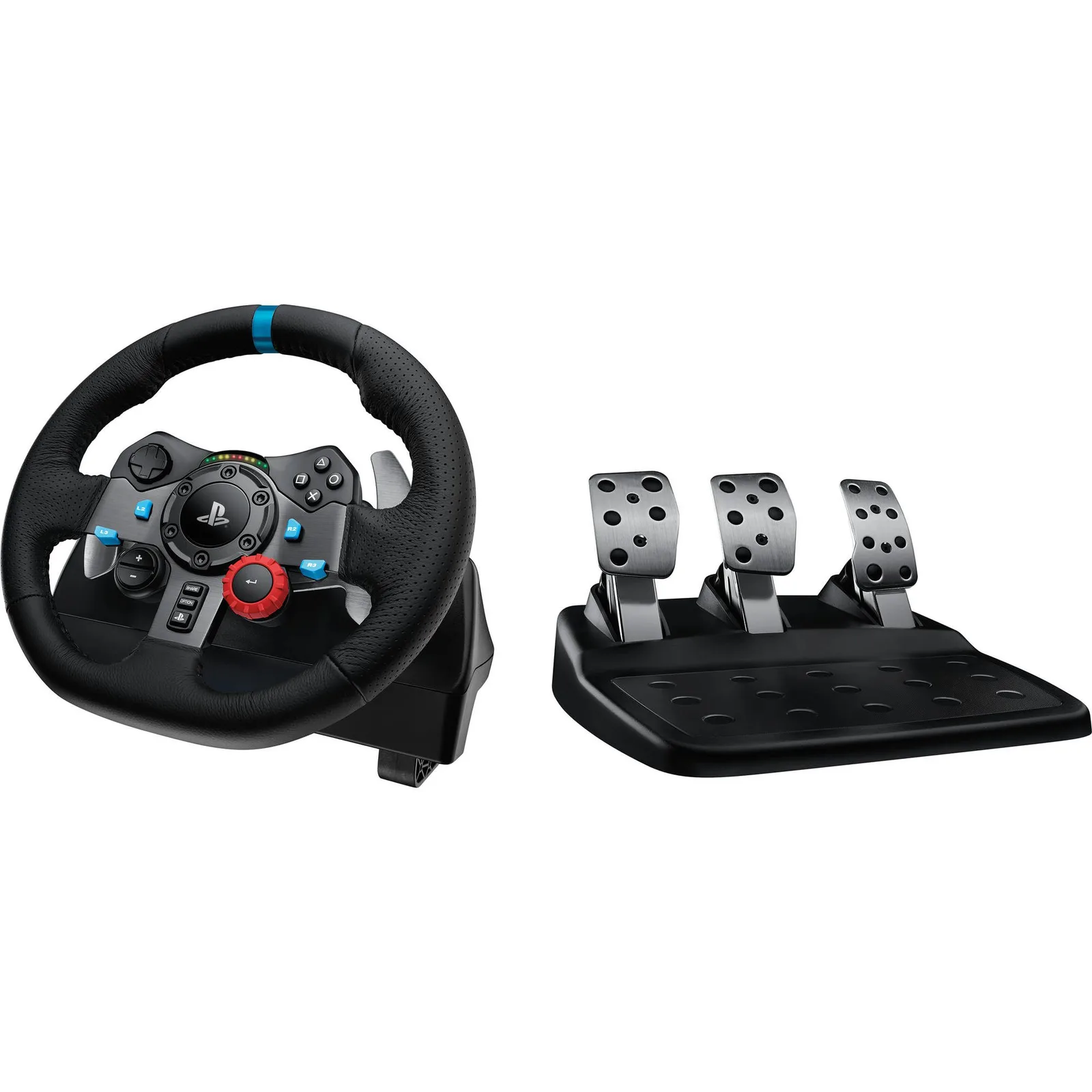
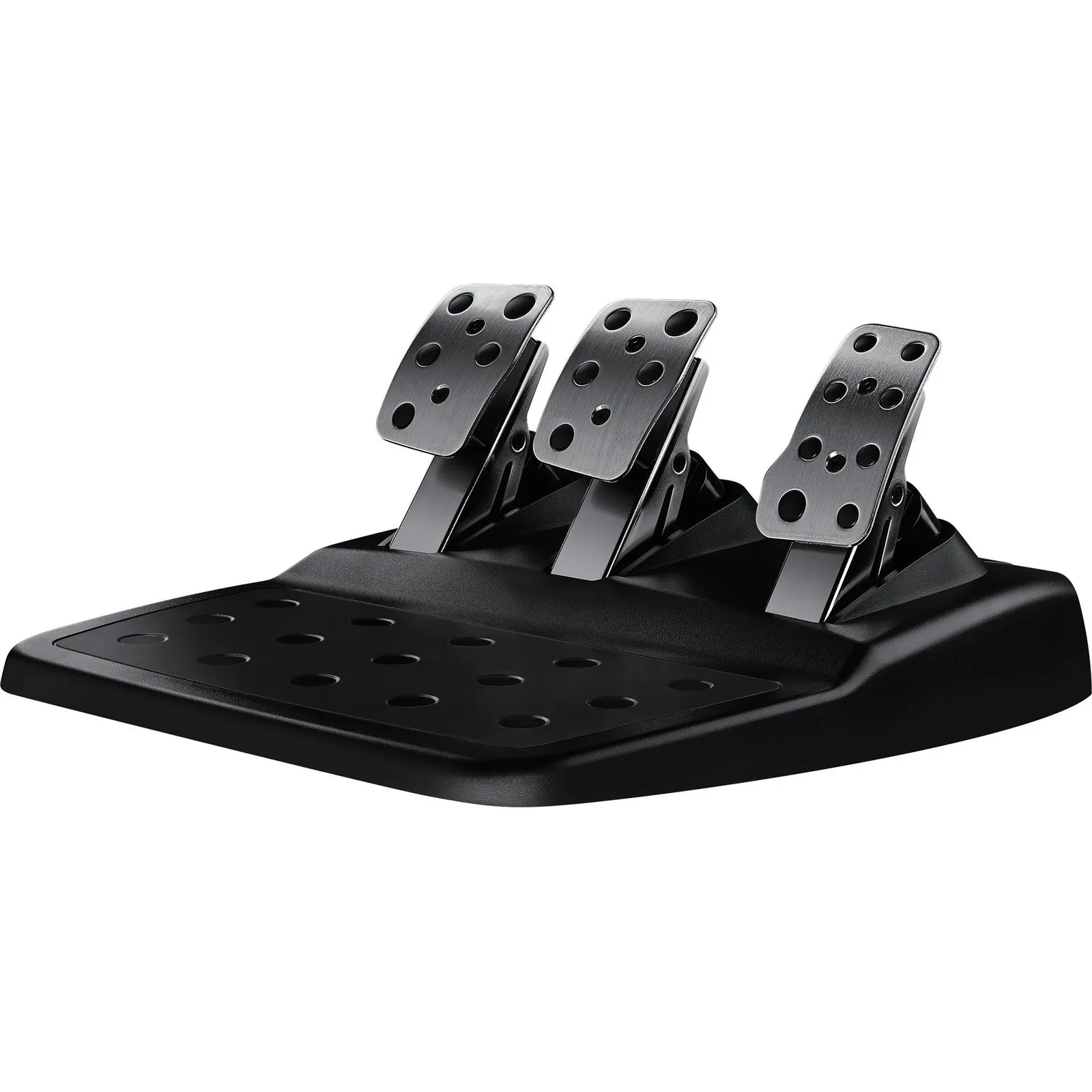
PKR74,499
Logitech G29 Driving Force Racing Wheel
Gulberg III, Lahore
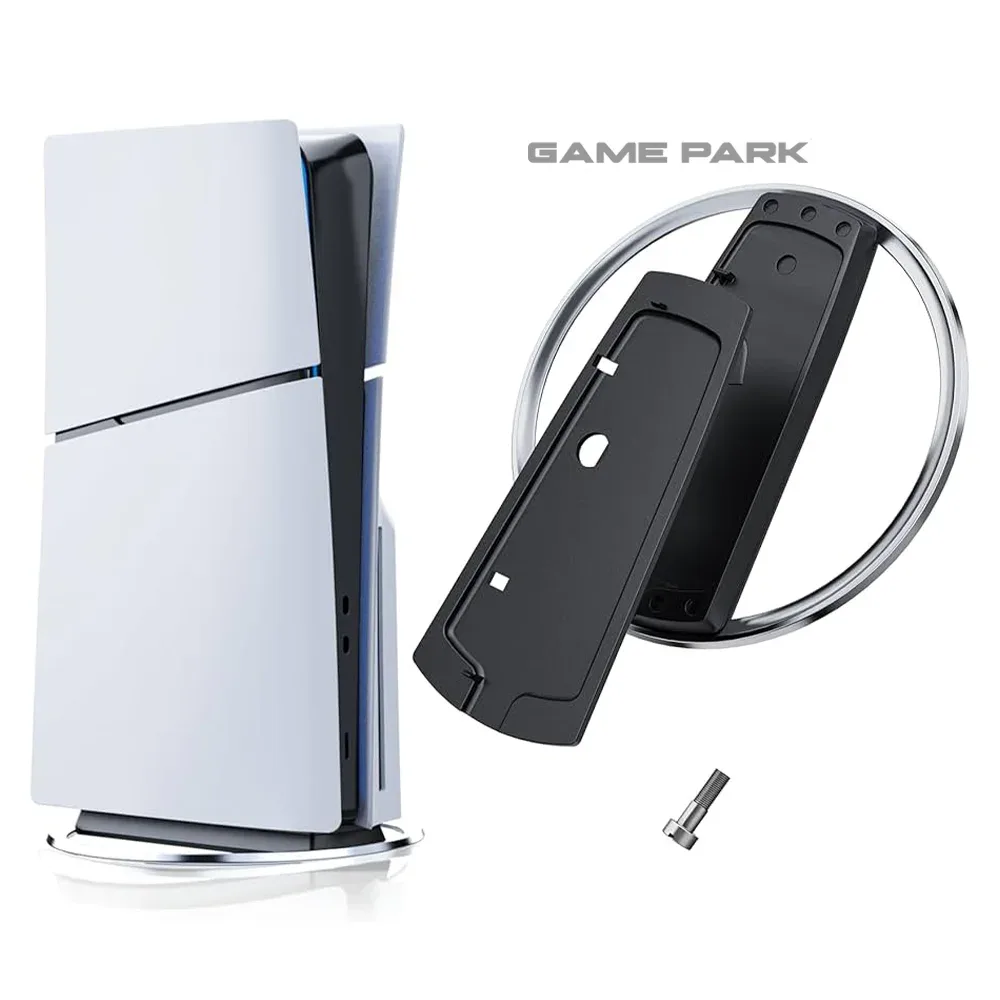
PKR4,500
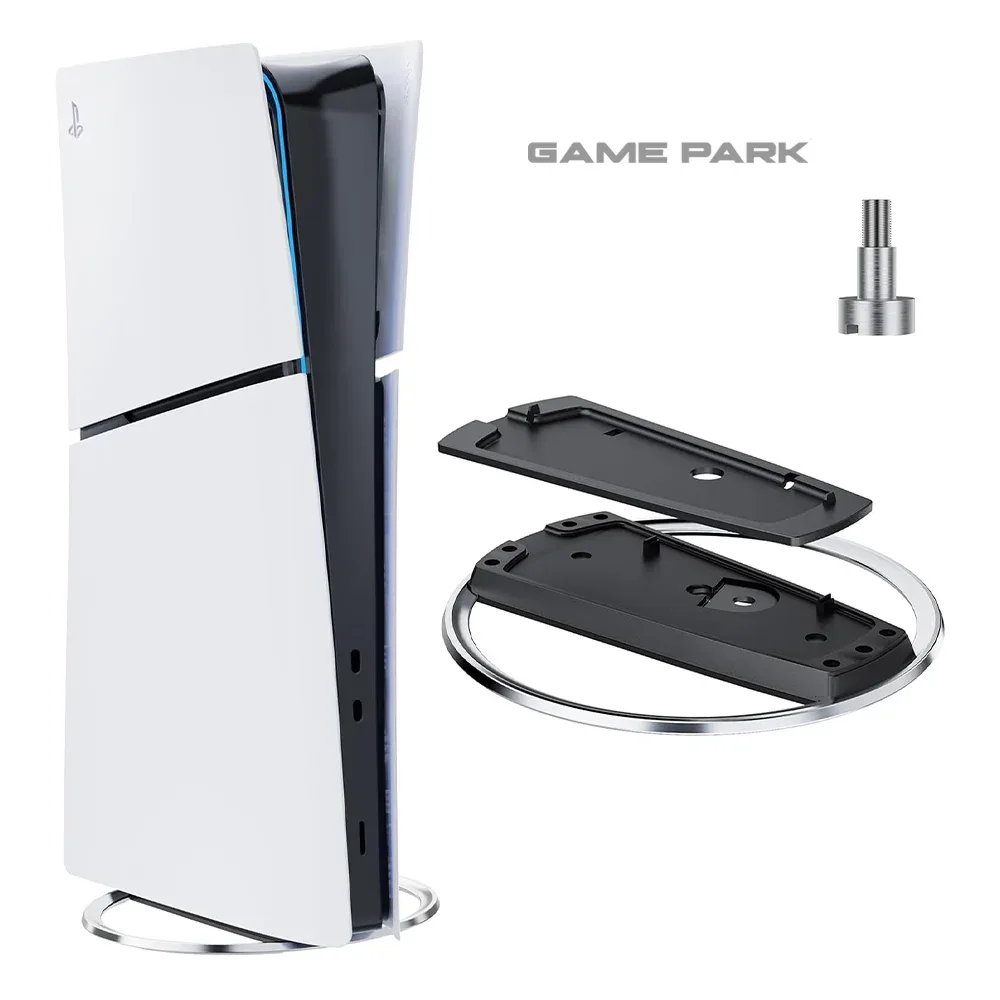
PS5 Slim Vertical Stand
Wapda Town Phase 1, Lahore
PKR31,500
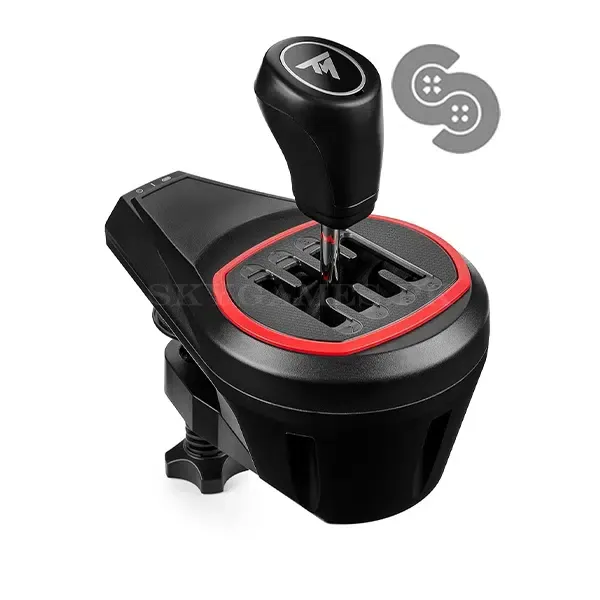
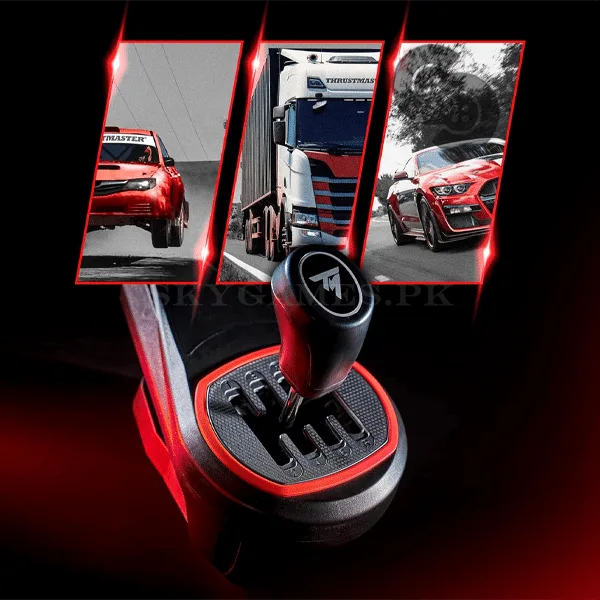
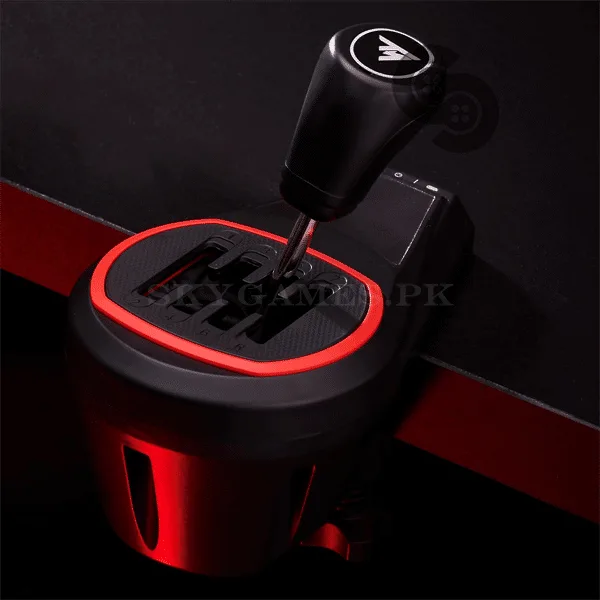
Thrustmaster TH8S Shifter for PS5, PS4, Xbox Series X|S, PC
Liberty Market, Lahore
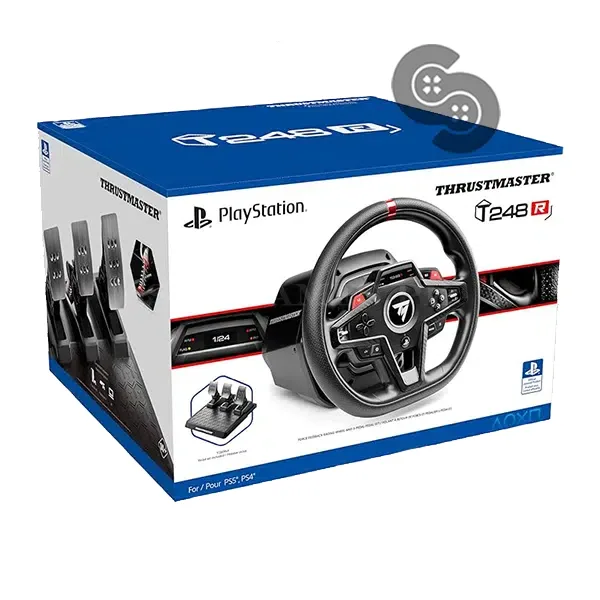
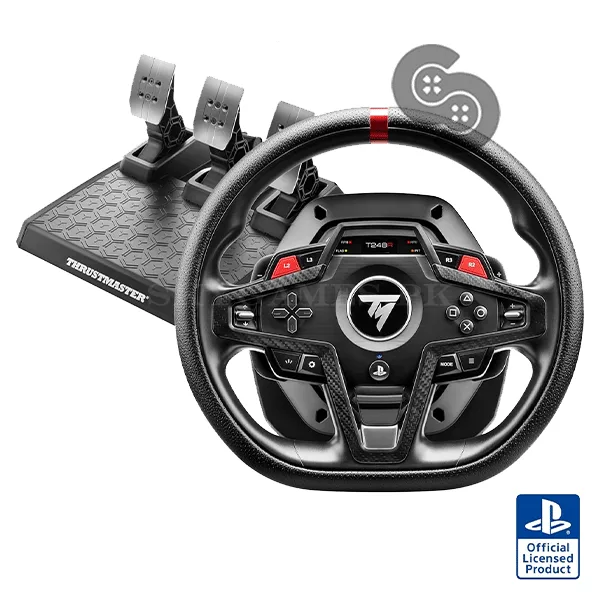

PKR1,20,000
Thrustmaster 3.1 N⋅m Force Feedback Racing Wheel – T248R
Liberty Market, Lahore
 New
PKR6,000
PS5 Slim Wall Mount Stand
Wapda Town Phase 1, Lahore